Why projectMM?
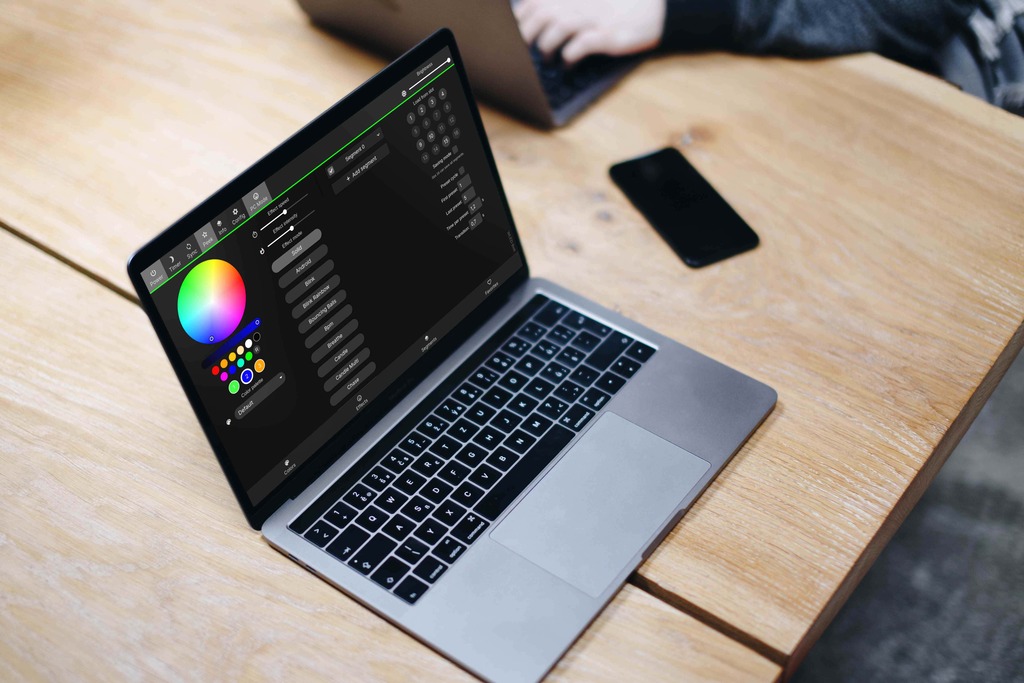
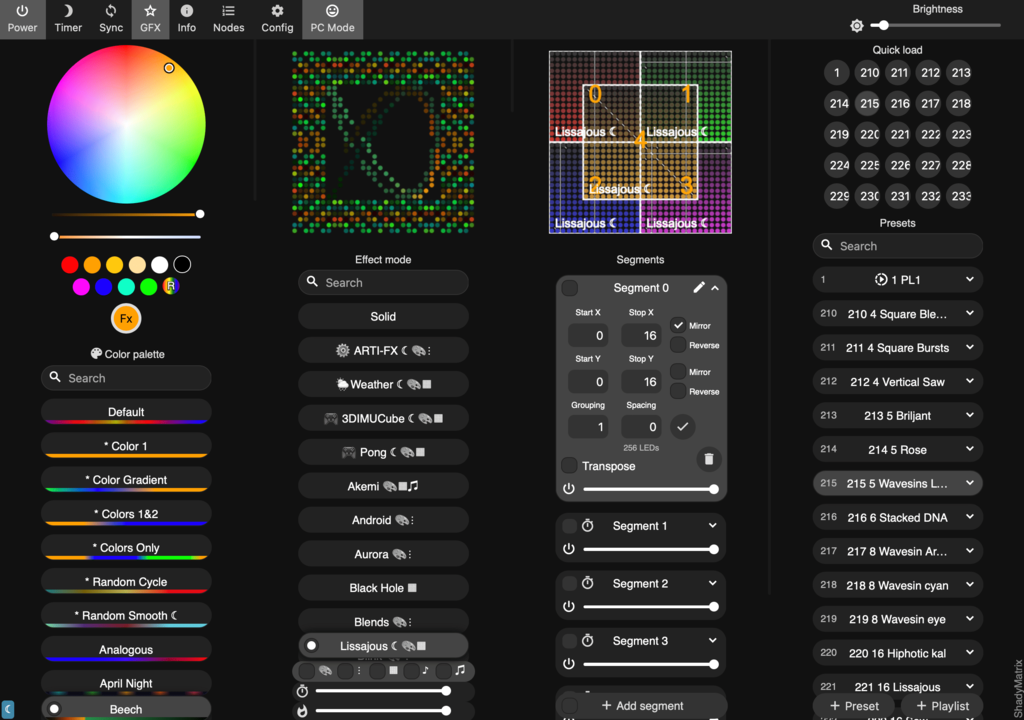
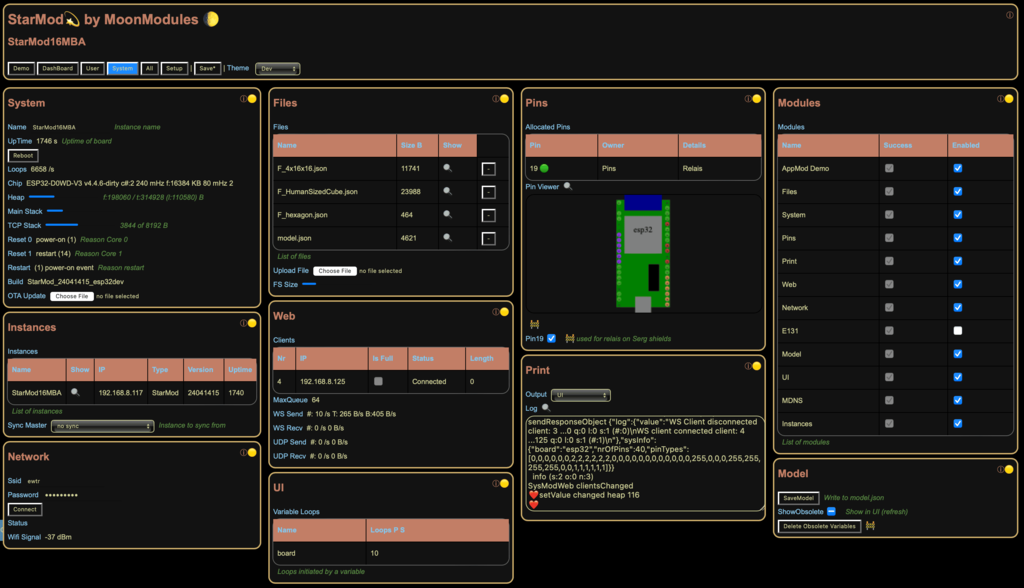
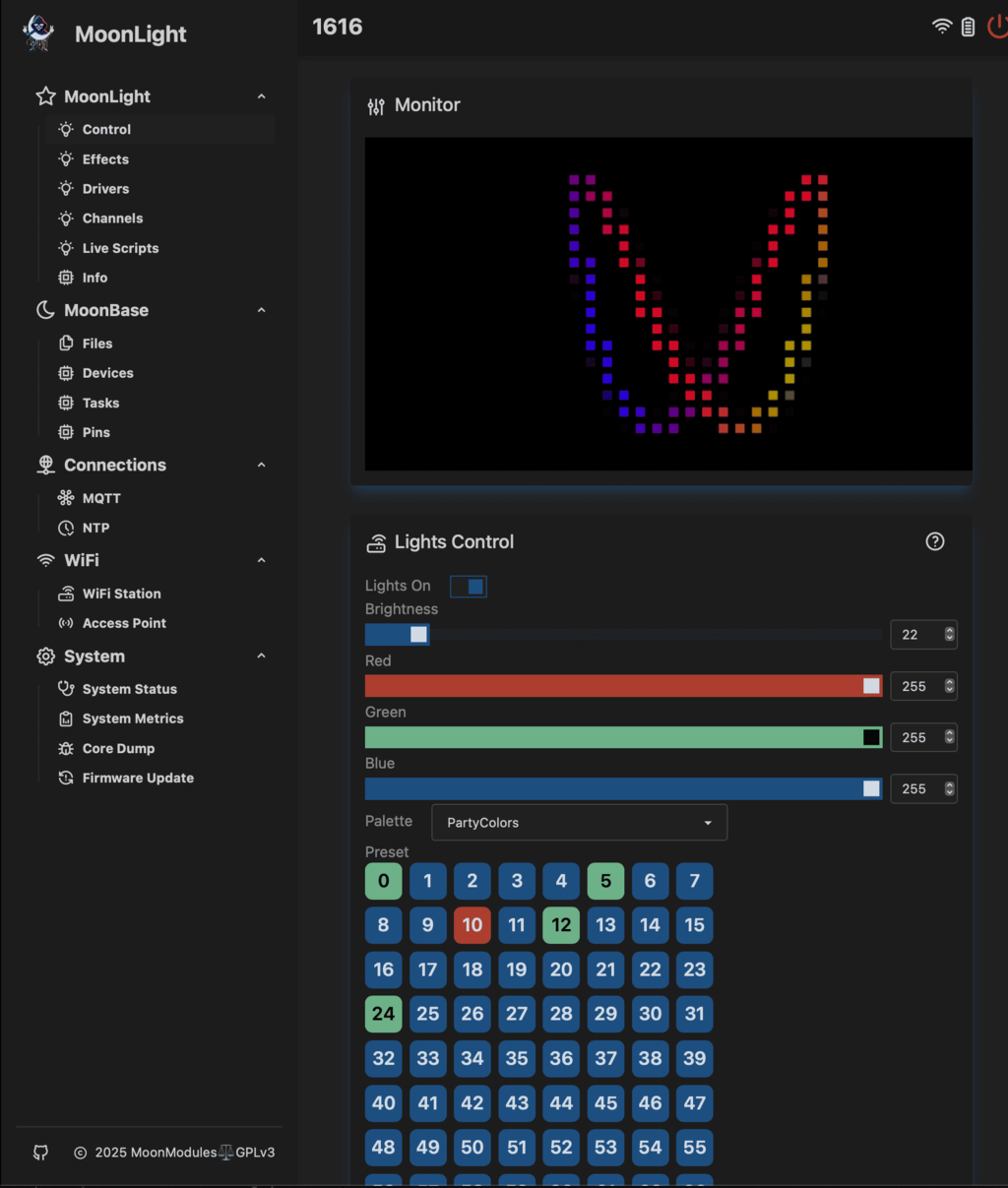
If you have been following the light-controller space for a while, you may know WLED, the popular open-source LED firmware. projectMM descends from that lineage, but it is a clean-sheet rebuild !, not a fork. Here is the family tree:
WLED → WLED-MM → StarLight → MoonLight → projectMM
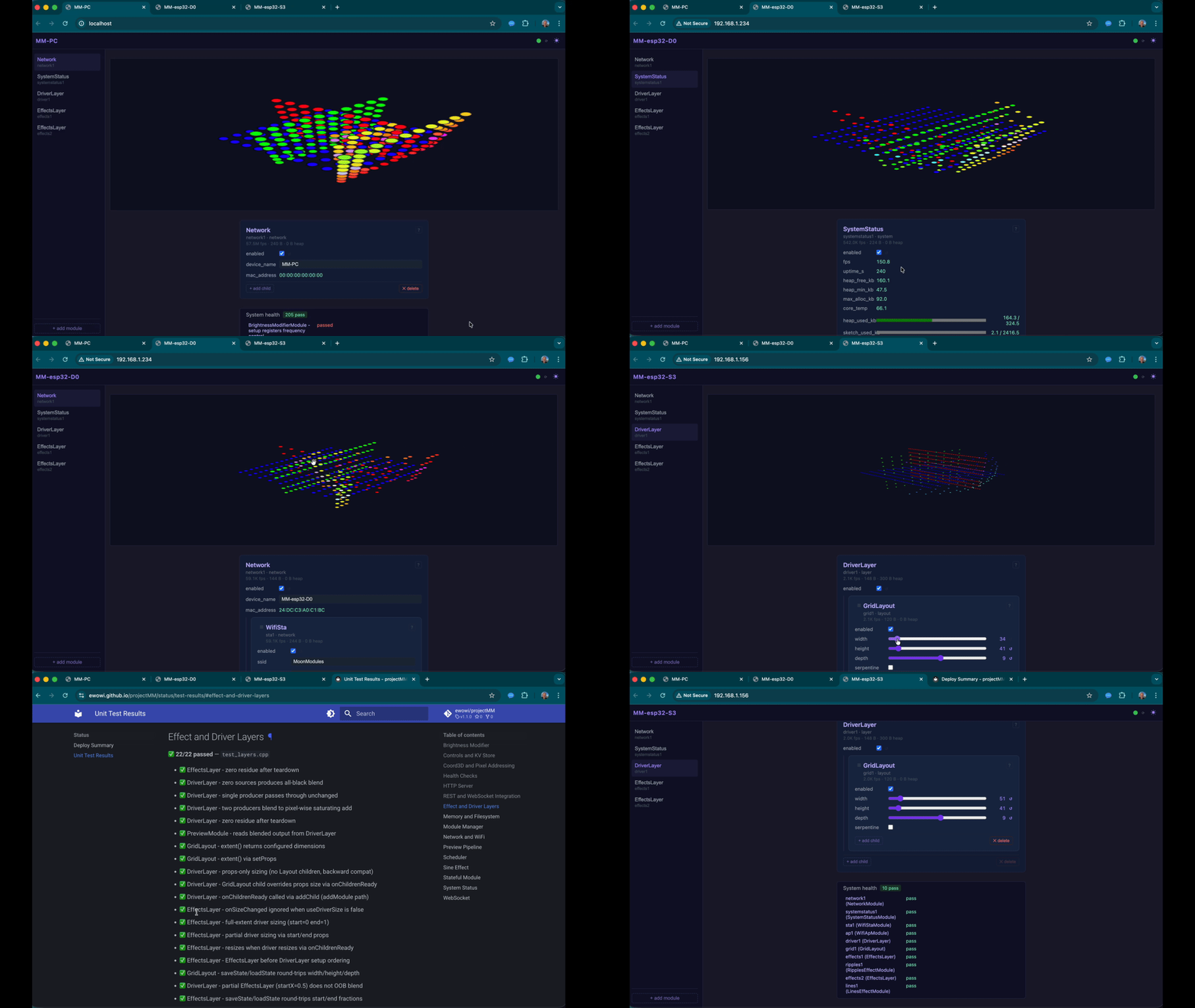
This page covers:
- What we learned from MoonLight: the specific walls we hit
- Motivation for the rebuild: the lineage, what each generation taught us, and why a complete rebuild made sense
- What projectMM does differently: testing, tooling, architecture, and multi-device goals
- Where things stand today: current status and roadmap
What we learned from MoonLight
Memory and flash on classic ESP32
MoonLight builds on ESP32-SvelteKit, a polished framework that delivered a great UI and stateful services out of the box. On S3 and P4 boards with PSRAM and ample flash it shines, but on classic ESP32 boards (no PSRAM, 4 MB flash) the framework's footprint left little room for effects and no room for Over-The-Air updates. Keeping everything running on smaller boards was an ongoing balancing act.
Living with a rich upstream
Forking ESP32-SvelteKit gave MoonLight a huge head-start. The trade-off is that diverging from upstream takes ongoing effort: every local change was marked (// 🌙) to survive a rebase, and as of today MoonLight is 1,271 commits ahead of SvelteKit upstream. Some features (Ethernet, migrate to ESP Async WebServer) needed to wait for upstream to add them, or be carefully grafted in. For a project that moves as fast as MoonLight, that cadence became a constraint.
Testing was an afterthought
Automated test scripts were added to MoonLight, but they could only verify trivial cases. Testing complex interactions meant restructuring code that was never designed with testing in mind: moving methods out of classes, breaking encapsulation, creating new bugs in the process.
Effective single-maintainer open source
MoonLight is a community project in name but about 95 % of the work has been carried by one person. As more users report issues, keeping up becomes impossible, especially when an actively-developed system breaks things that worked the week before.
Motivation for the rebuild
The rebuild was motivated by hitting a wall that the previous codebase could not break through. A complete rebuild is also an opportunity for ideas that would be too difficult or too disruptive to retrofit: e.g. a load-bearing test suite, a Platform Abstraction Layer, full PC parity, AI agent guarding become straightforward when the architecture is designed for them from day one.
MoonLight already makes the case for why a project like this needs to exist. This page explains why we went one step further.
projectMM is a working name. When the time is right, the repository will move to github.com/MoonModules, the same home as WLED-MM and MoonLight.
What projectMM does differently
Unit and Live testing: Guardrails first
The test suite is the primary safety net for every line of code merged.
There are two complementary test types:
Unit tests run entirely on your PC. They compile the real C++ module code and exercise advanced (non trivial) tests directly: module management, state transitions, control wiring, pixel output values, boundary conditions. No hardware required, results in seconds.
Live tests run against real devices over the network. A Python script calls the REST API, creates modules, sets props, reads health reports back and verifies the results match expectations. No USB cable needed; the device just needs to be on the same network.
Current numbers: 219 test cases / 1 035 assertions, all green.
SineEffectModule - loop() output matches expected waveform at tick 5DriverLayer - two EffectsLayers blend correctlyStatefulModule - loadState before setup() applies pending props after setup()ModuleManager - hot-reload recreates module with same id, correct type
→ Full list: Unit Test Results
- Build a Ripples pipeline from scratch over REST; verify checksum changes over 5 ticks
- Add a second EffectsLayer and confirm both effects run simultaneously
- Resize GridLayout depth then width; confirm the pipeline resizes without crashing
- Verify infrastructure modules (WiFi, SystemInfo) are present; add any that are missing
→ Full status: Status
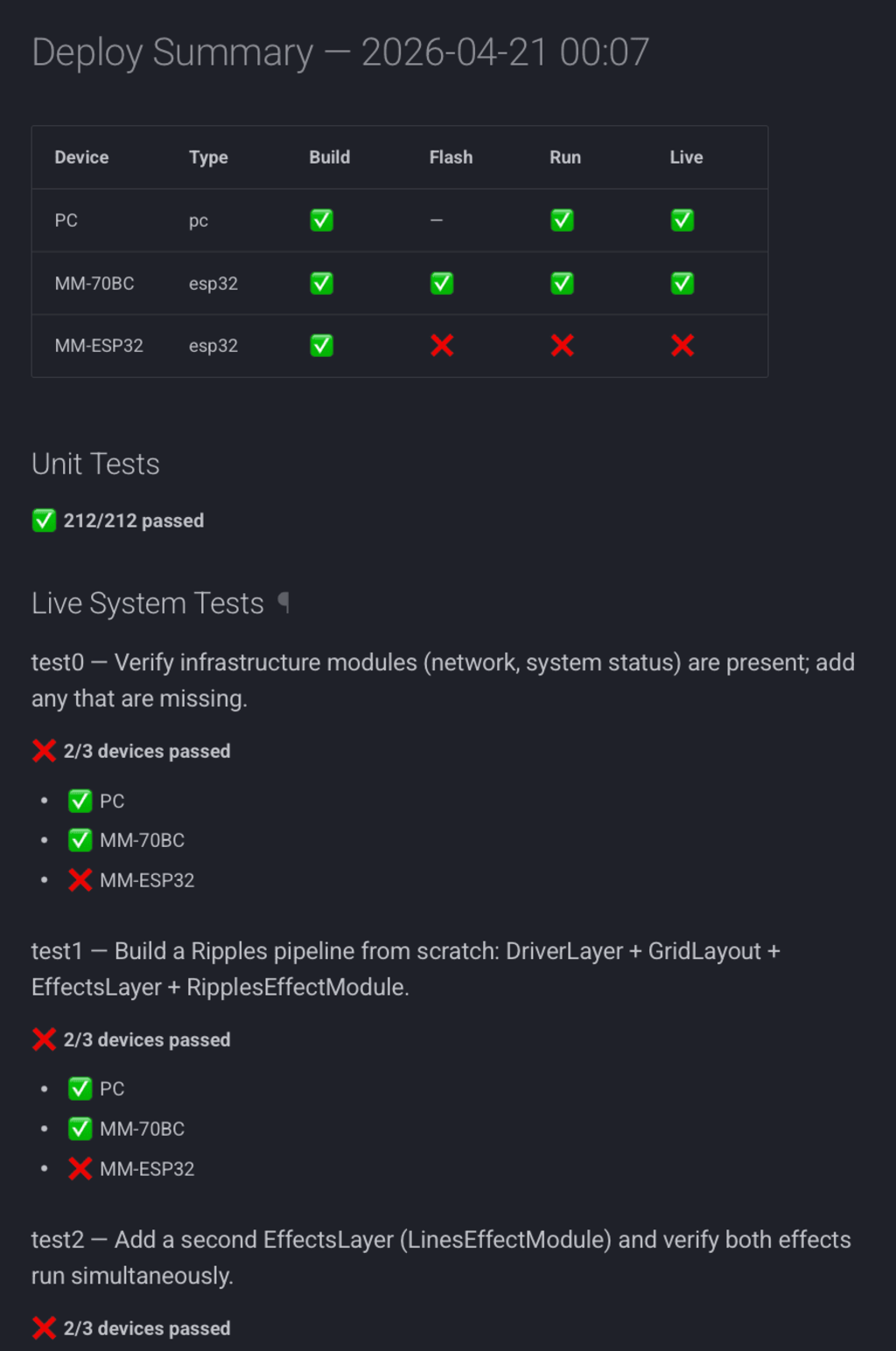
These tests are the guardrails for all future development. If a change breaks something, the test run flags it immediately, whoever (or whatever) introduced it. The codebase is, by design, hard to break silently.
Built to work with modern tooling
projectMM is designed to be read and extended by anyone: a new contributor, an experienced C++ developer, or a coding assistant. The clear module boundaries, the explicit JSON-driven wiring, and the test suite all serve that goal regardless of your tooling preferences.
About 99 % of projectMM's code and documentation was written by AI agents. Not because it is a novelty, but because AI agents are here and won't go away, they are changing the way software is built, and we want to understand that change from the inside rather than watch it from the outside.
The approach was inspired by FastLED and Zach Vorhies, the architect of agent-driven development there, taught us how to use it. Agents were given precise instructions grounded in human ideas and in everything that was learned building MoonLight: the decisions, the dead ends, the retrospectives.
We use agile concepts: releases, sprints within releases, retrospectives, and a backlog. The release pages are the record of what was built, why, and what was learned. They serve a dual purpose: readable development history for humans, and short-term memory for AI agents starting a new session. The module reference pages, architecture docs, and standards are the long-term memory: the stable knowledge base an agent reads before proposing a change.
The testing framework is the guardrail that makes this safe. An AI agent can be wrong confidently. The test suite does not care: it catches regressions immediately, whoever or whatever introduced them.
This builds on the AI principles first practiced in MoonLight (AI Guidelines): 4EP · Unit tests · Reversible · Attribution · Documentation and taken further here. MoonLight was where we learned the patterns; projectMM is where we went deep.
A fully automated device farm
The entire deployment lifecycle: build, flash, filesystem upload, WiFi injection, run check, live test and summary report, is scripted in Python and can be driven by a single command:
python3 deploy/all.py
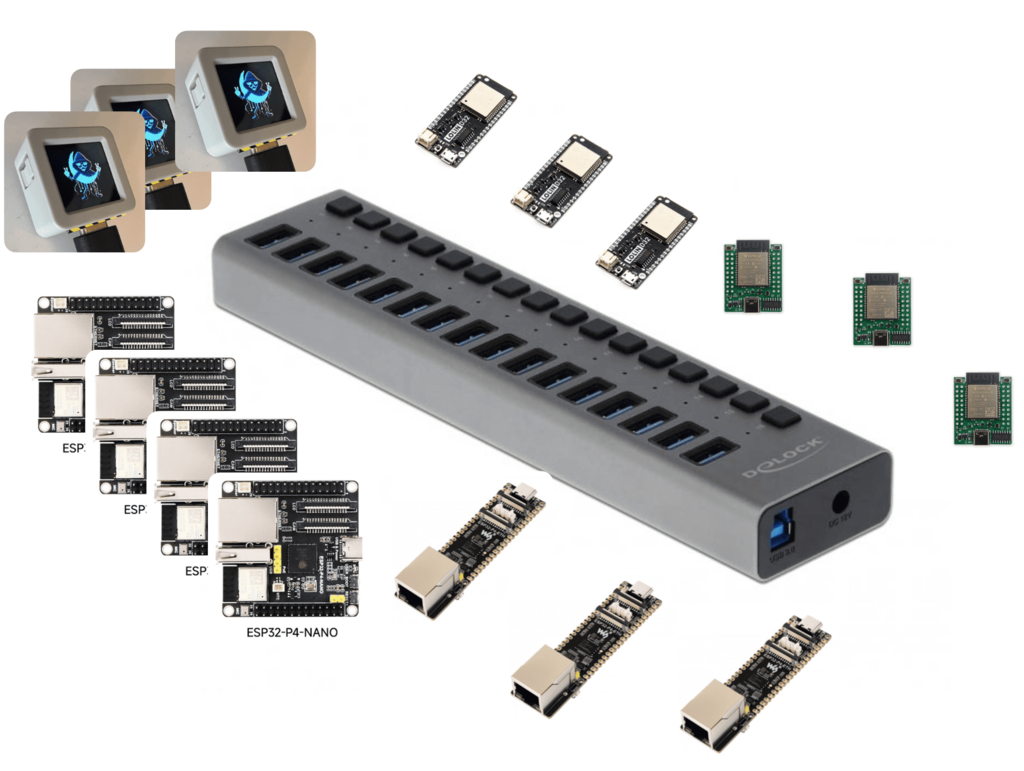
This makes it practical to maintain a rack of ESP32 boards of different types, all automatically tested on every release. Adding a new board is as simple as plugging in a USB cable and running deploy/devicelist.py. We started with a standard ESP32-dev, adding S3 automatically changed to codebase to support it. Adding P4 will be done soon and is a real test of the codebase adaptability.
→ Details: Deploy Guide
Runs on PC, not just ESP32
projectMM runs natively on macOS, Linux, and Windows. This has two immediate benefits:
- Fast iteration. Develop and test an effect on your laptop, no flashing required.
- PC as a network node. Once Art-Net out lands (Release 4), any effect running on projectMM (all MoonLight effects will be migrated) can drive Art-Net-compatible fixtures (off-the-shelf or other projectMM devices), over the network.
This is made possible by the Platform Abstraction Layer (PAL): a thin header-only namespace that wraps all platform calls (timing, memory, GPIO, UDP, filesystem, FreeRTOS) so that modules contain zero #ifdef. The right implementation is selected at compile time. Adding a new platform means updating PAL in one place, not hunting through module code.
Everything is a Module
MoonLight distinguished between Modules (menu items) and Nodes (effects, modifiers, layouts, drivers inside a module). In projectMM everything is a Module with the same setup() / loop() / teardown() lifecycle. The runtime does not know about lights, light control is just a set of modules. The same shape works for audio processing, sensor pipelines, or anything else that runs in a loop.
→ Module overview · Add a Module
A UI that writes itself
The frontend is plain HTML / CSS / JavaScript. No framework, no build step, no Svelte. Every Module describes its controls as JSON, and the frontend renders them automatically. Adding a new module requires zero frontend code. Despite its small footprint the UI is fully capable, and the clean module-driven approach means it keeps pace with new modules without any extra effort.
The real Moon Module
Both of these ideas: everything is a module, and a UI that writes itself, were first realised in StarLight. MoonLight made a deliberate trade: adopting SvelteKit brought a much more polished UI and solid stateful services, which was absolutely the right call at the time. In doing so the module concept was adapted into Modules and Nodes, and the self-describing UI shared space with Svelte's own rendering layer. Those were reasonable choices given the tooling and expertise available then.
MoonLight still improved dramatically compared to what came before: better structure, better tooling, a more powerful effects engine. projectMM takes that maturity and brings the original idea back in its purest form: a single, clean module abstraction with no framework in the way.
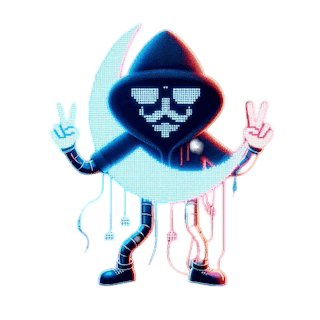
Now we finally understand what MoonModules was always pointing at. The Module in projectMM is the real Moon Module. 🌙
Multi-device as a first-class goal
The test infrastructure makes multi-device scenarios easy to validate automatically:
- One device sending Art-Net (or DDP / E1.31), another receiving it, a live test can trigger the send, capture the receive, and verify the result.
- SuperSync, a long-promised feature first demoed on WLED-MM: devices discovering each other, one controller distributing an effect across a swarm of nodes. Think drone-swarm light shows, fully scripted and tested.
Where things stand today
| Capability | Status |
|---|---|
| Unit tests | ✅ 219/219 passing |
| PC build + live tests | ✅ |
| ESP32 build + live tests | ✅ (esp32s3_n16r8) |
| Effects (Sine, Ripples, Lines, Brightness modifier) | ✅ |
| Full Python deploy pipeline | ✅ |
| Multi-device discovery | ✅ Release 4 Sprint 1B |
| PSRAM pixel buffers | ✅ Release 4 Sprint 2 |
| Art-Net out | 🔜 Release 4 Sprint 6 |
| ESP32-P4 support | 🔜 Release 4 Sprint 8 |
| Windows support | 🔜 Release 4 Sprint 9 |
→ Live status: Status
→ Full roadmap: Development History
Want to explore further?
- Getting Started: run projectMM on your PC or ESP32 device in minutes
- Architecture: how the runtime fits together
- Add a Module: contribute your own effect or driver
- GitHub: source, issues, and discussions